Frequently asked questions
Does it work on iPhone?
Yes. Open tiktokshield.app in Safari, tap Share, then choose “Add to Home Screen”. The App Store version is coming soon. On Android, get the app from Google Play or install it through Chrome.
What is a cloud phone?
It’s a real Android phone that sits on a server and is on all the time. You see its screen and use it in your browser or in the app, as if it were in your hand.
Do I need to keep my computer on?
No. The phone runs on the server. You can close your browser or turn off your computer and it stays on.
Is it different from an emulator?
Yes. An emulator runs on your computer and stops when the computer is turned off. A cloud phone runs on a server, stays on 24 hours a day and uses internet from the country you prefer.
Can I choose the country of the internet connection?
Yes. You choose which country’s internet the phone uses, depending on your work.
Can I use TikTok, Shopee and WhatsApp?
Yes. You install the apps you use, just like on a regular phone. Always follow each platform’s rules.
How do I go live with a recorded video?
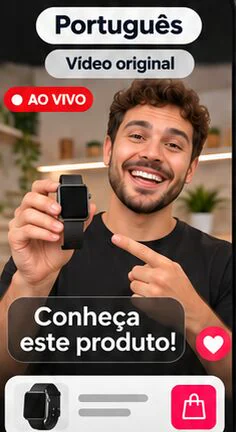
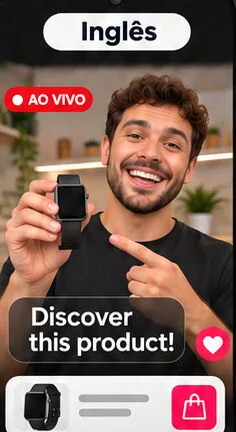
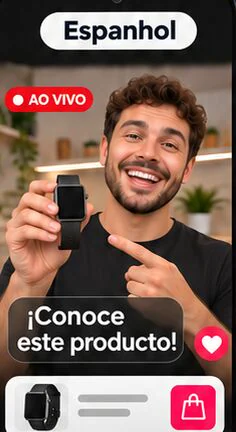
Upload the video in the Videos section of the dashboard and choose the phone. The phone’s camera then streams that video in the apps that use the camera.
How much does it cost and how do I pay?
On the monthly plan, US$49.99 per phone. The 90-day plan works out to US$39.99 per month (US$119.98 every 90 days) and the annual plan to US$29.99 per month (US$359.88 per year). You pay in US dollars via Stripe, and it renews automatically at the end of each period.
Can I cancel?
Yes, whenever you want, in the subscription and card settings of your dashboard. The phone keeps working until the end of the period you have already paid for. In the first 7 days you can change your mind and get your money back.
How soon do I get the phone?
Usually within a few minutes after payment. It shows up ready in your dashboard.